Cutler / Multicam sync by sound
Multicam and separate audio, synced by sound.
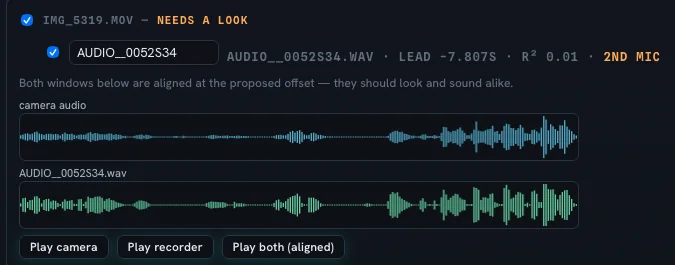
Interviews, talks and events rarely arrive tidy: two or three cameras, a recorder, maybe a phone. Cutler lines them all up by sound, asks you when it isn't sure, and gives the synced material to Claude to cut.
How the sync works
- By waveform. Sources are aligned by their audio, so timecode isn't required.
- You rank the sources. Tell it which recorder is the clean sound and which cameras matter most.
- It asks when in doubt. If an alignment isn't certain, Cutler shows it to you to confirm instead of guessing.
- Multi-channel recorders handled. Separate channel files from one take are grouped together.
Then Claude cuts it
Once the sources are in sync, Claude can cut between angles with the clean audio underneath, using what Cutler logged: who is speaking, what is on screen, and which takes are soft or shaky.
In Final Cut Pro the result opens as native multicam, with the angles where you expect them, so you can switch angles yourself after the AI's pass.
Footage it expects
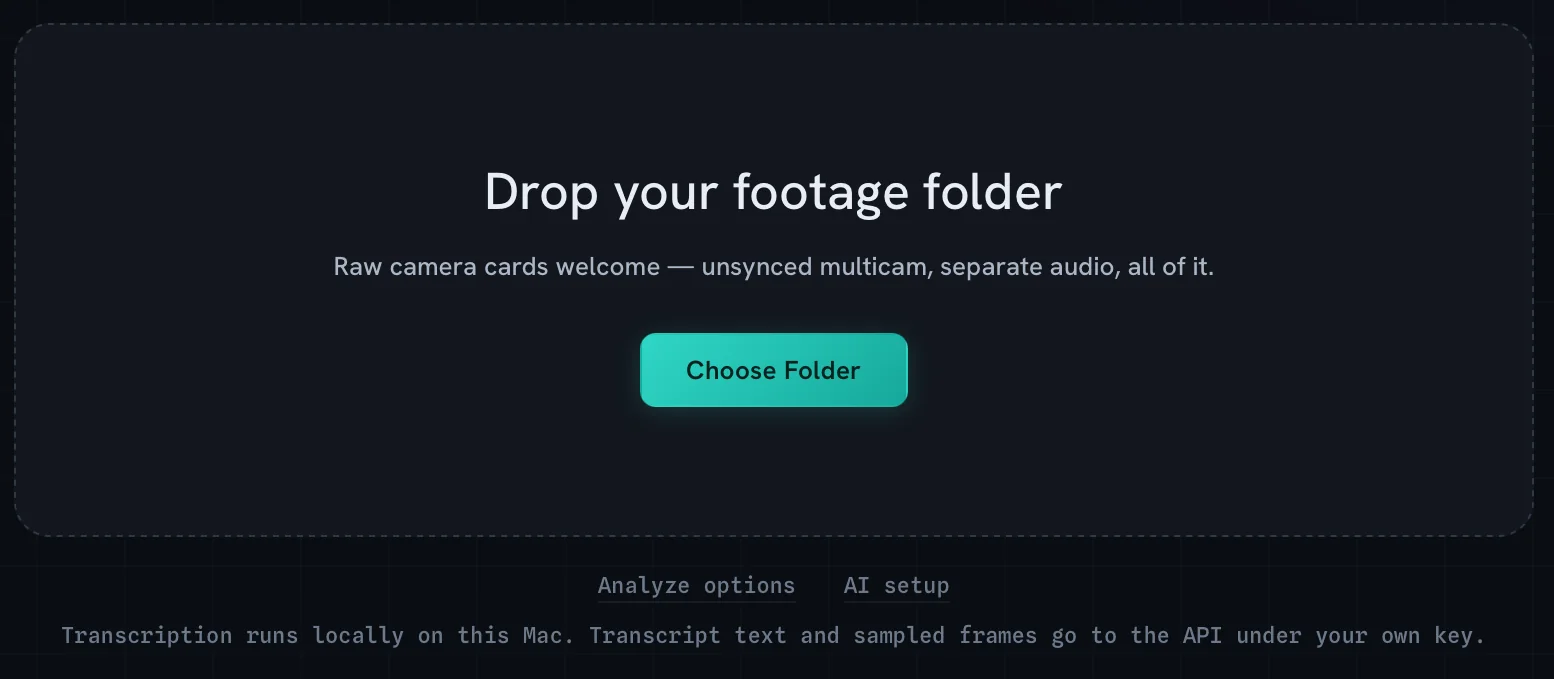
Raw camera cards are welcome: unsynced multicam, separate audio, all of it. Drop the folder; Cutler transcribes on your Mac and describes every shot while it syncs.
Keep reading
Cutler · macOS · Apple Silicon
Give Claude eyes, hands and a timeline.
One-time purchase, $25 for the first 100 founder licences. Your AI plan stays yours.